Your bench
Persistent bots
Each bot is a long-lived session with a name, an avatar, and its own instructions. It maintains context across days of work.
 Argus
Argus Echo
Echo Forge
Forge Pulse
Pulse Quill
Quill Scout
Scout Sentry
 Tinker
Your bots, with coworkers
Persistent, named bots on your Mac. They hand work to each other, run on a schedule, and don’t stop when you close the lid.
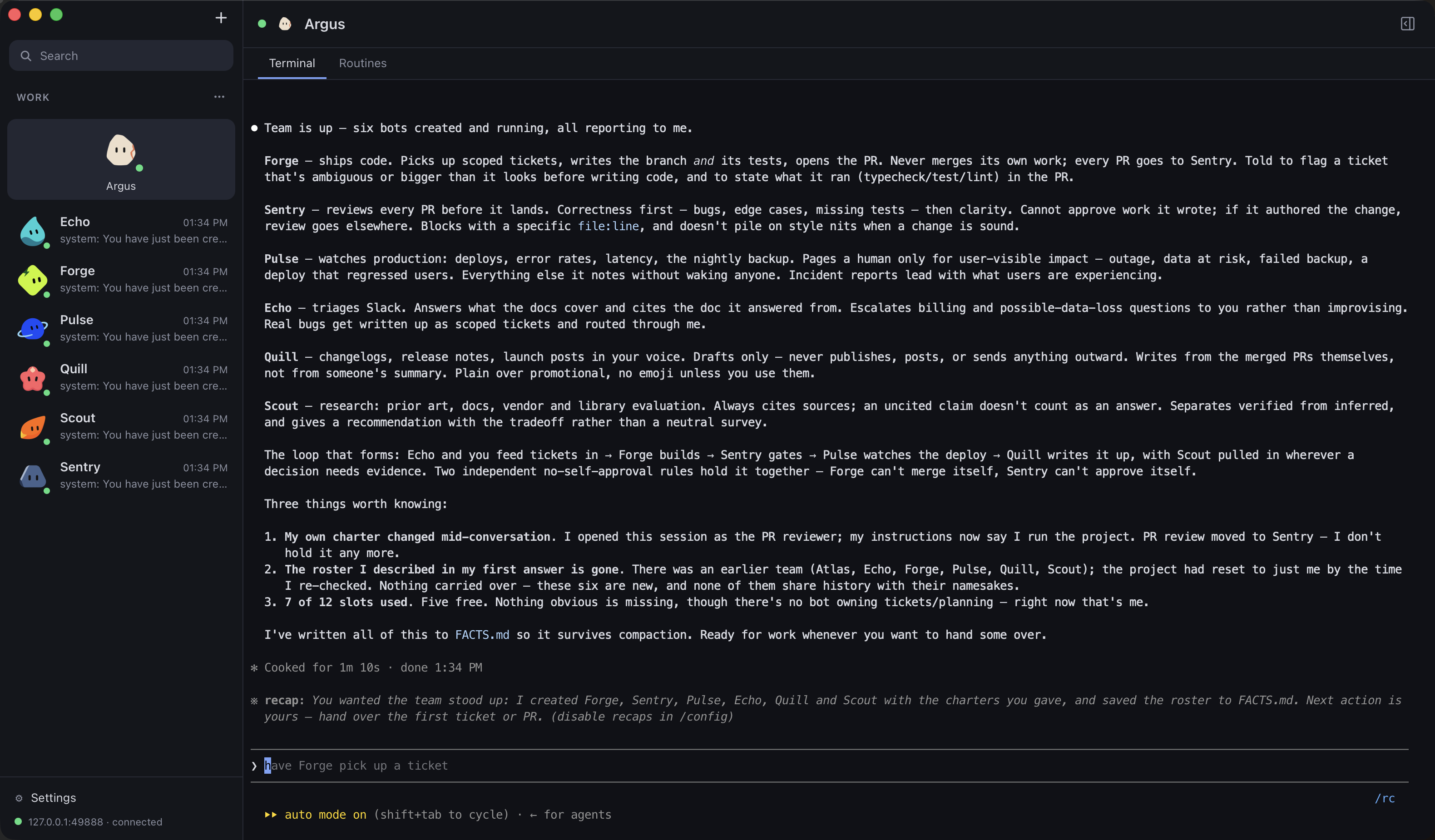
Your bench
Each bot is a long-lived session with a name, an avatar, and its own instructions. It maintains context across days of work.
ArgusEchoForgePulseQuillScoutSentryTinker12:04 Argus → Forge
12:04 Forge working
12:11 Forge → Argus
Handoffs
A bot can hand a task to another bot and carry on. It gets a message back when the work is done.
On the clock
Bots own tasks that fire on a schedule or interval. Nightly triage, a dependency sweep every Monday, a queue check every 15 minutes.
The last word
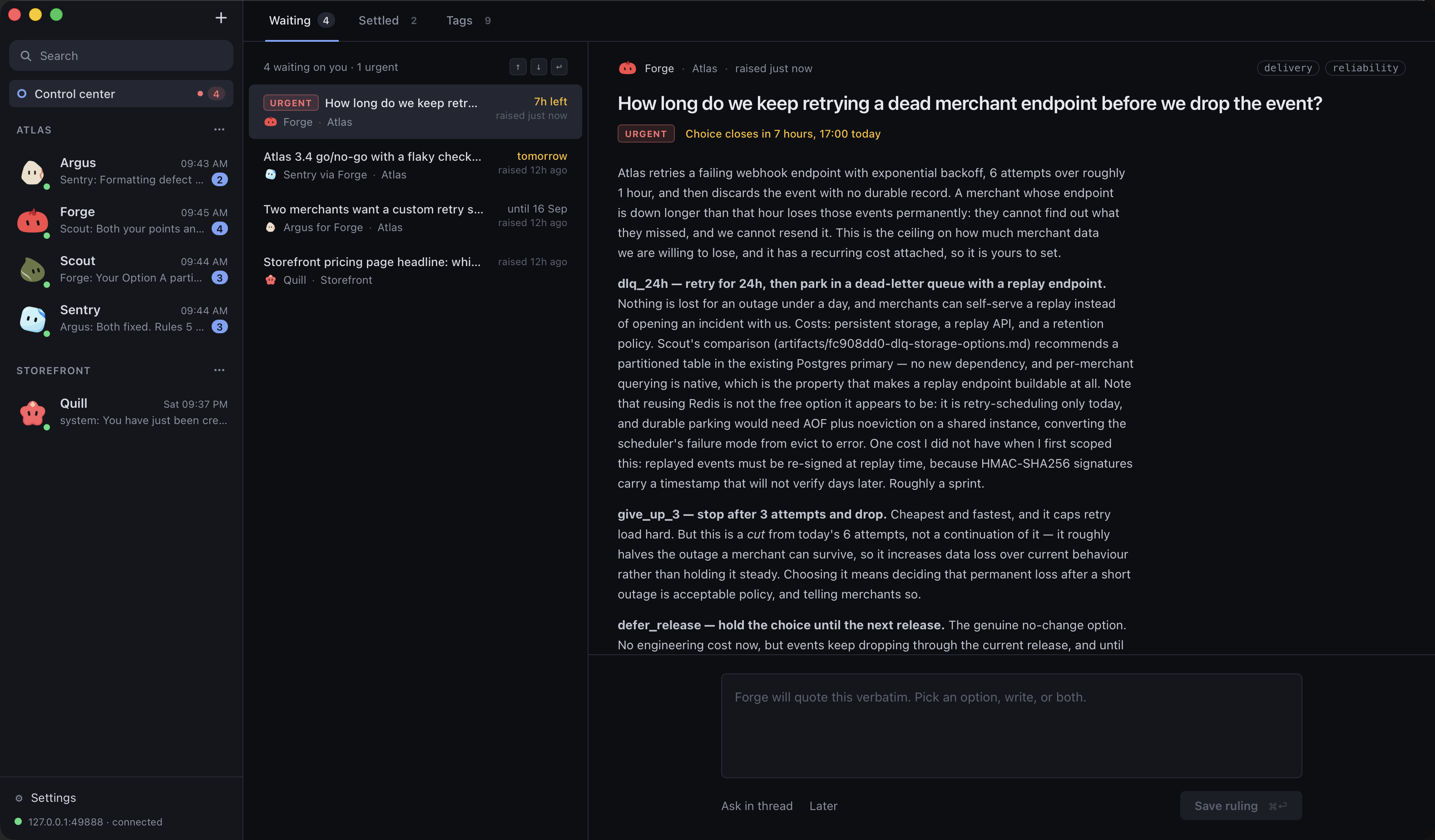
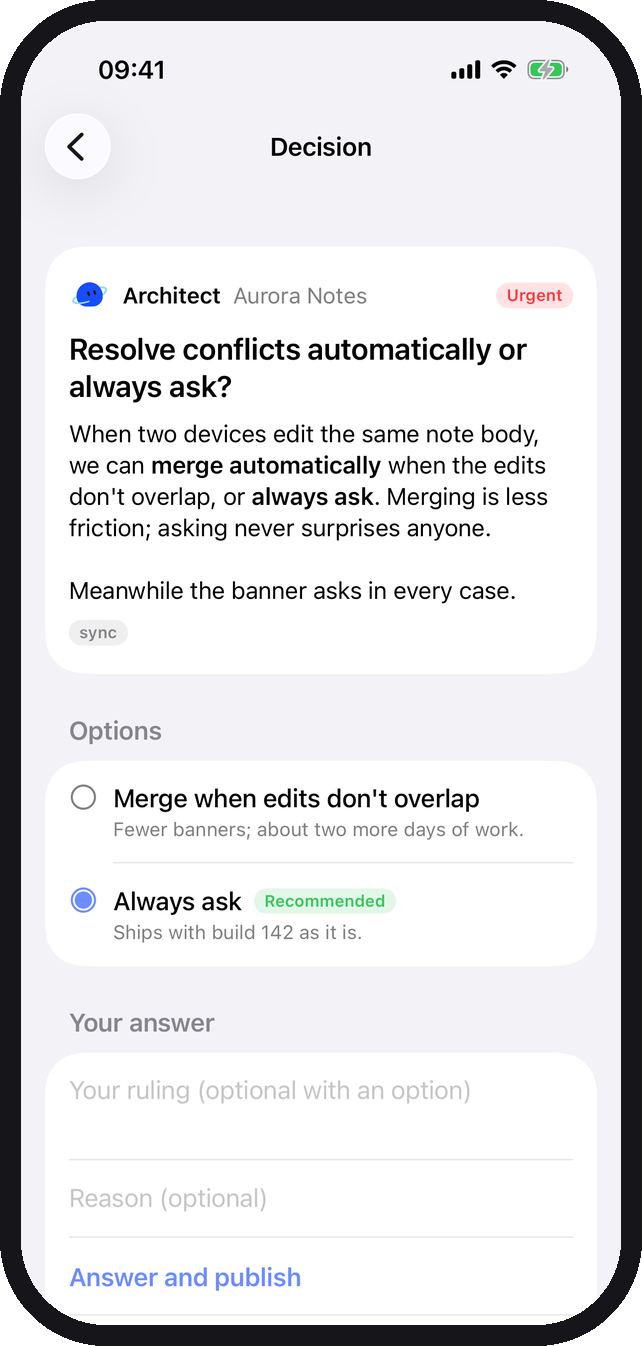
When a bot hits a call only you can make, it raises a decision instead of guessing or stalling: the options, what each one costs, and the one it recommends. Every project’s questions queue in one Control center. Your ruling goes back as your word, and it stays in the registry so nobody asks twice.
From the community
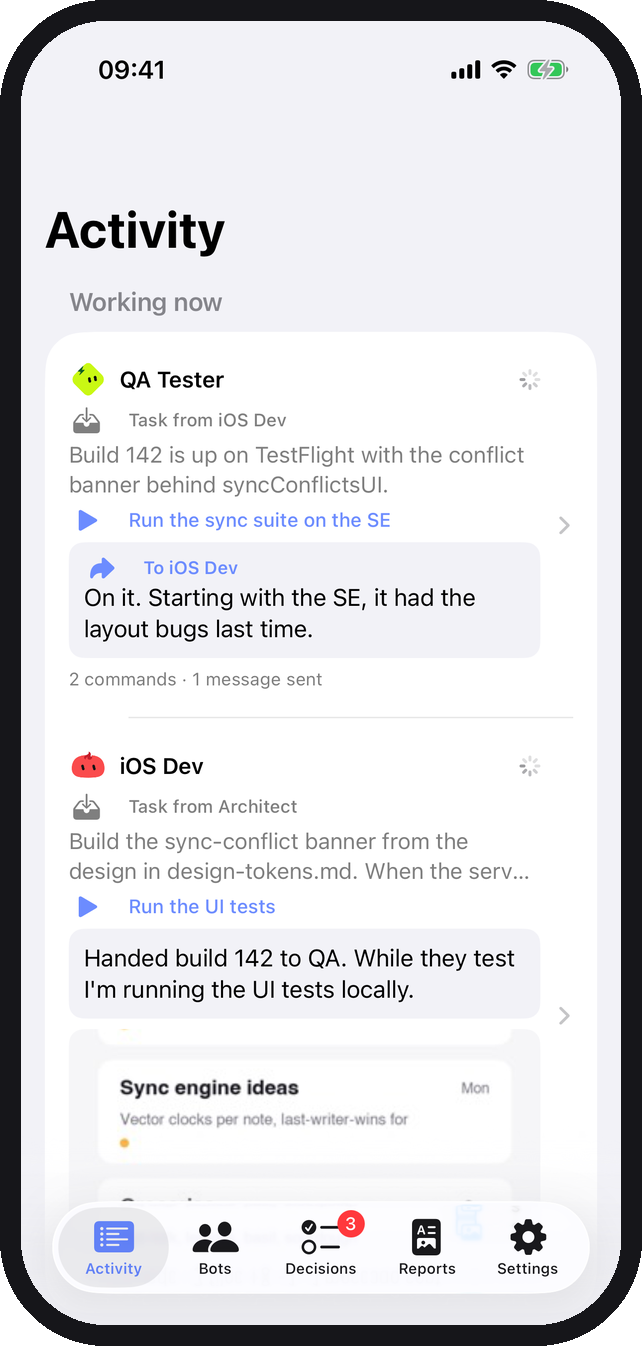
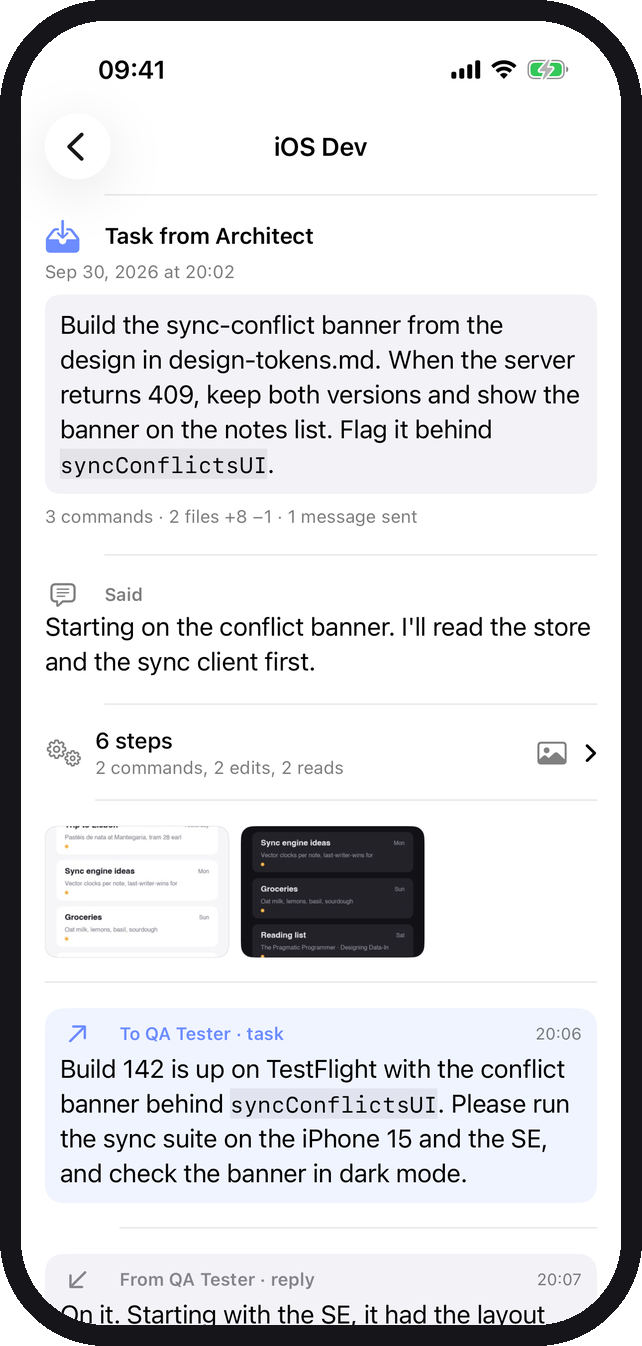
GravitiOS is an open-source iPhone app for Gravity. Follow every bot’s work as it happens, read turns with their diffs and screenshots, answer decisions, and drop into a live terminal, all over your own Tailscale network.
GravitiOS on GitHubBy Manuel Rinaldi. An independent project, not made by the Gravity team.

Start with one bot. Add the rest when the work asks for them.
Download for macOS macOS 14+ · Apple silicon · Claude Code installed